Trending VN Code Photo and video:- Today, I have brought you a trending video editing tutorial using a VN template. This type of video is currently very popular, and people are loving it because it looks cinematic, attractive, and professional.
You can create this video for your girlfriend, friends, or anyone you want. The best part is that you can easily make it using the VN app. In this tutorial, I will show you how to use a VN Code and VN template to create this amazing video.
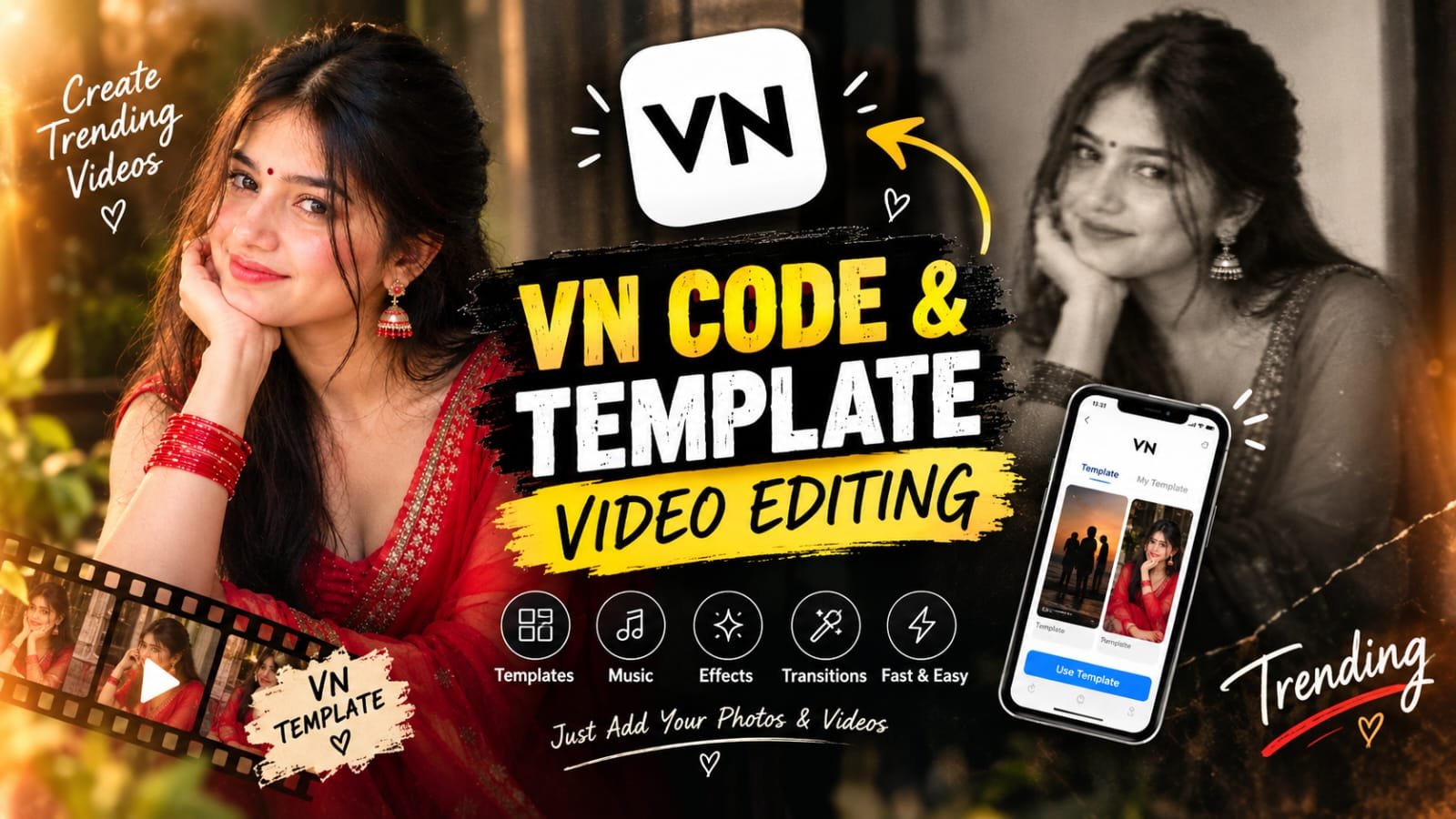
For today’s video, I have created a beautiful scene featuring a girl sitting gracefully in a red saree. With the help of a VN template, I turned it into a cinematic video without requiring any subscription. You can also create a similar video in just a few simple clicks.
The most attractive part of this editing is its before-and-after style presentation. Initially, the image is shown with a blur effect, which piques the viewer’s curiosity. After this, the photo gradually clears, revealing the full look of the subject.
So, friends, let’s get started! Below, I’ll explain step by step how you can create this trending VN template video. Read the instructions carefully and follow each step.
What is vn template and vn code?
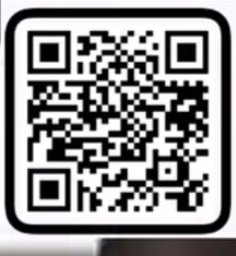
Friends, a VN Template is a pre-made video that already has music, transitions, effects, trending filters, beats, and animations set in advance. We only need to add our own videos and photos, and our video gets ready very easily. This is called a VN Template. With a VN Template, we can create our videos very easily. We just need to use a VN Code. By going to the VN app, we can scan the VN Code using the scanner, through which VN provides us with a template. We simply add that template, and our video gets created very easily without doing any editing.
A VN Code is a shareable code that anyone can use. With the help of this code, we can use any VN Template easily. We do not need to edit anything in the video because the video is automatically created for us. We just need to scan the VN Code, and our video gets ready automatically in a very beautiful and attractive way, without any editing.
New Features of VN Templates and code ?
VN Template is an excellent way to make video editing easy, fast, and convenient. It is very useful for users because it comes with many different features already set in the template. With the help of these features, you can create cinematic and professional-looking videos without much editing knowledge or hard work.
Ready-Made Editing: Effects, transitions, animations, and other editing elements are already set in the template.
Beat-Sync Editing: In this feature, video clips and transitions are synchronized with the background music, making the video look very smooth and attractive.
Easily Add Photos and Videos: You can easily replace the photos or videos available in the VN Template with your own photos and videos, making your video look much better.
VN Code Support: With the help of a VN Code, any specific template can be easily imported into the VN App.
Saves Time: There is no need to create every effect and transition separately. With the help of a ready-made template, the video can be prepared in less time, which saves our time and effort.
Useful for Social Media: With the help of VN Templates, you can create Instagram Reels, YouTube Shorts, birthday videos, couple edits, and many other types of editing videos.
You do not need advanced video-editing skills to use it. Beginners can also easily create attractive and professional-looking videos without having much editing knowledge.

How to create video vn template step by step?
So friends, today I am going to tell you how to use VN template, and below I will explain step by step what you need to do.
First, you will have to download the VN app.
After that, you will have to loging in on your phone.
Then, click on the vn template I have provided, open the video in phone and download the template.
your template will open. Download the template and use it.
Then, add your own photo or video to it.
After that, your video will be ready within just a few seconds.
You can click on the Download button to save the video, and then you can send it to all your friends and even your girlfriend.
New Trending viral video VN CODE ya Template tips.
In this video, I’m going to show you some simple ideas and tips that can help you make your videos more attractive and engaging. I’ll also share how you can use trending effects, smooth transitions, beat-sync editing, and eye-catching photo edits to make your Reel look better.
Try to grab the viewer’s attention in the first few seconds and keep the video short and interesting. You can also add a catchy hook like “Wait for the final result!” and reveal your final edit at the best moment.
If you like creating AI photo edits, cinematic videos, or trending Reels, these simple tips can help you create better content and get more engagement on Instagram, YouTube Shorts, and Facebook Reels.
FAQ.
1. What is VN Code Photo Editing?
VN Code Photo Editing involves using a ready-made editing template or project structure to prepare your photos in a particular editing style.
2. Can you add your own photo to this VN Template?
Yes, if the template is editable, the photos present in it can be replaced with your own photos.
3. What should you do if the face gets cut after replacing the photo in VN Code?
Adjust the photo’s position, zoom, and crop. Properly fit the subject in the center of the template’s frame.
4. Is professional editing knowledge necessary to use VN Code?
No. Such templates can be used with basic knowledge of the VN app as well.
5. Can this effect be applied to any photo?
It depends on the template’s design. However, generally, portrait and properly framed photos are more suitable for effects like this.
6. What is the difference between VN Code and VN Template?
A VN Template is a ready-made editing project,design, while VN Code can be a way to share,import that template or editing project.
Conclusion.
So friends, today we learned how to create a trending video using a VN Template and VN Code. The ready-made template already includes effects, transitions, music, and beats, so you can create a cinematic and attractive video without much editing knowledge.Simply scan the VN Code, add your own photos or videos, and export the video. If you create content for Instagram Reels, YouTube Shorts, or Facebook Reels, using trending effects and a catchy opening can make your videos more engaging.I hope this tutorial was helpful for you. Now you can also easily create your own trending VN video.If you like new tutorials on AI Photo Editing, Trending Photo Editing, VN Templates and Cinematic Editing, stay connected for more such new editing ideas.